
10 Essential Things International Business Visitors Should Know Before Coming to Korea
A business trip to Korea is very different from an ordinary vacation.
From the moment you arrive at the airport, you may need to connect to the internet, access presentation files, make payments, communicate with local partners, keep track of receipts, and move quickly from one meeting to another.
This guide is designed for international business travelers — including CEOs, executives, buyers, investors, overseas sales professionals, conference attendees, and corporate visitors — who want to be fully prepared and ready to work from the moment they arrive in Korea.
Currency Reference
The following exchange rates are approximate and provided for easy reference.
| KRW | USD | JPY | CNY |
|---|---|---|---|
| ₩10,000 | Approx. $7.2 | Approx. ¥1,130 | Approx. ¥48 |
| ₩30,000 | Approx. $21.6 | Approx. ¥3,390 | Approx. ¥145 |
| ₩50,000 | Approx. $36.1 | Approx. ¥5,650 | Approx. ¥242 |
| ₩100,000 | Approx. $72.1 | Approx. ¥11,290 | Approx. ¥483 |
Actual exchange rates may vary depending on the date, bank, card provider, or currency exchange service.
1. Check Your Entry Requirements First
Passport · Visa · K-ETA · e-Arrival Card
Before booking your business schedule, the first question to confirm is:
“What do I need to enter Korea?”
Entry requirements may vary depending on your nationality, passport, length of stay, and purpose of visit.
Some travelers may need a visa, while others may need to check whether K-ETA or the e-Arrival Card applies to them.
Do not leave this until the last minute.
What to Check Before Departure
| Item | When to Check | Cost |
|---|---|---|
| Passport validity | Before booking your flight | Free |
| Visa requirement | At least 2–4 weeks before departure | Varies |
| K-ETA requirement | Before departure | ₩10,000 if applicable |
| e-Arrival Card | From 3 days before arrival | Free |
| Address of your accommodation in Korea | Before departure | Free |
| Return or onward flight ticket | Before departure | Varies |
K-ETA Cost Reference
| KRW | USD | JPY | CNY |
|---|---|---|---|
| ₩10,000 | Approx. $7.2 | Approx. ¥1,130 | Approx. ¥48 |
Business Tip
If several employees are traveling together, do not leave all entry preparations entirely to each individual traveler.
A company coordinator can create one master checklist covering:
- Passport
- Visa
- K-ETA
- e-Arrival Card
- Hotel address
- Return flight information
This simple system can prevent unnecessary problems at the airport.
2. Get Connected as Soon as You Arrive
SIM · eSIM · Wi-Fi
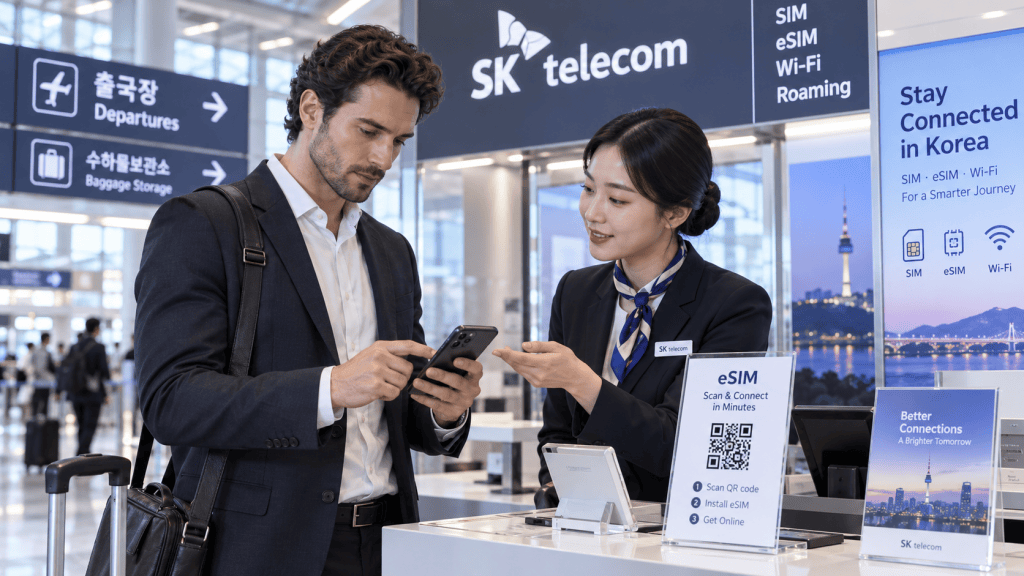
For a business traveler, internet access is not optional.
You may need your smartphone immediately for:
- KakaoTalk
- Maps
- Translation
- Taxi reservations
- Video meetings
- Calendar updates
- Mobile payments
For this reason, it is a good idea to arrange your mobile connection before leaving the airport.
Sample eSIM Price Guide
| Duration | KRW | USD | JPY | CNY |
|---|---|---|---|---|
| 2 days | ₩12,100 | Approx. $8.7 | Approx. ¥1,366 | Approx. ¥58 |
| 3 days | ₩18,000 | Approx. $13.0 | Approx. ¥2,032 | Approx. ¥87 |
| 5 days | ₩27,500 | Approx. $19.8 | Approx. ¥3,105 | Approx. ¥133 |
| 7 days | ₩35,000 | Approx. $25.3 | Approx. ¥3,952 | Approx. ¥169 |
| 10 days | ₩38,500 | Approx. $27.8 | Approx. ¥4,347 | Approx. ¥186 |
| 30 days | ₩71,500 | Approx. $51.6 | Approx. ¥8,073 | Approx. ¥345 |
Recommended Options
For a 3–5 day business trip:
A 5-day eSIM is usually practical.
For a longer trip involving trade shows, conferences, company visits, and multiple meetings:
A 7–10 day plan may be more convenient.
Before purchasing, also check whether your SIM or eSIM includes:
- Data only
- Voice calls
- SMS
- A Korean mobile phone number
Having a Korean phone number can make some local reservations and verification processes easier.
3. Prepare the Right Power Adapter and Charging Equipment
220V · Chargers · Power Banks
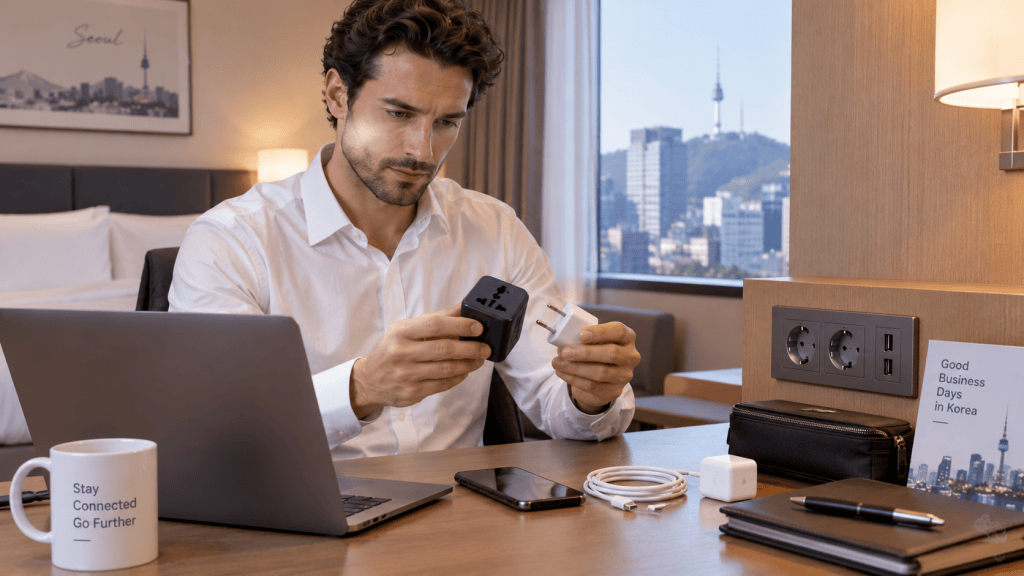
Imagine arriving at an important meeting only to discover that you cannot charge your laptop.
Korea uses:
220V / 60Hz electricity
and commonly uses round two-pin plugs.
Travelers from countries with different plug systems should carry a universal travel adapter.
Estimated Costs
| Item | KRW | USD | JPY | CNY |
|---|---|---|---|---|
| Basic travel adapter | ₩10,000–₩20,000 | $7–14 | ¥1,130–2,260 | ¥48–97 |
| Multi-port USB charger | ₩20,000–₩50,000 | $14–36 | ¥2,260–5,650 | ¥97–242 |
| Power bank | ₩20,000–₩50,000 | $14–36 | ¥2,260–5,650 | ¥97–242 |
Keep These in Your Business Travel Bag
- Laptop charger
- Smartphone charger
- USB-C cable
- Universal travel adapter
- Power bank
- HDMI adapter
- USB-C presentation adapter
If you are giving a presentation, bringing an HDMI or USB-C adapter can be especially useful.
Different meeting rooms may use different connection systems.
4. How Much Cash Should You Carry?
Card First, Cash Backup
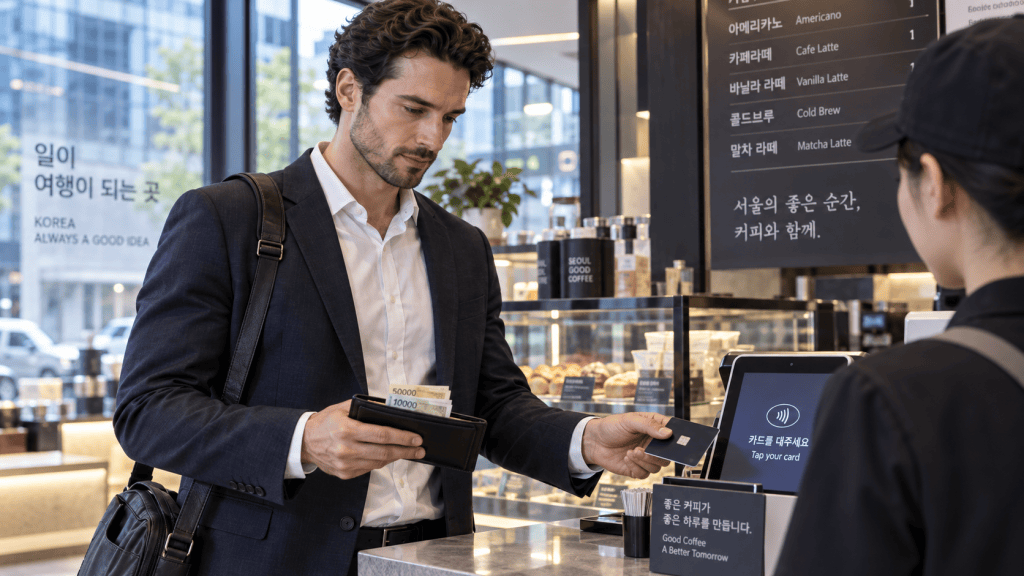
Korea is a highly card-friendly country.
International credit cards are widely accepted at:
- Hotels
- Restaurants
- Cafes
- Convenience stores
- Department stores
- Shopping malls
- Many other businesses
Therefore, you generally do not need to carry a large amount of cash.
However, keeping some Korean won as emergency backup is still a good idea.
Recommended Emergency Cash
| Purpose | KRW | USD | JPY | CNY |
|---|---|---|---|---|
| Minimum emergency cash | ₩50,000 | Approx. $36 | Approx. ¥5,650 | Approx. ¥242 |
| Recommended for most travelers | ₩100,000 | Approx. $72 | Approx. ¥11,290 | Approx. ¥483 |
| More comfortable backup amount | ₩200,000 | Approx. $144 | Approx. ¥22,580 | Approx. ¥966 |
A Practical Payment Setup
A business traveler should ideally carry:
- One main international credit card
- One backup card from a different account or issuer
- A small amount of Korean won
Business Tip
If you use a corporate card, check the following before departure:
- Overseas payment restrictions
- International transaction settings
- Daily spending limits
- Foreign transaction fees
- Dynamic Currency Conversion policies
It is better to resolve these issues before leaving your home country.
5. Keep Your Receipts Organized
Business Expense Management
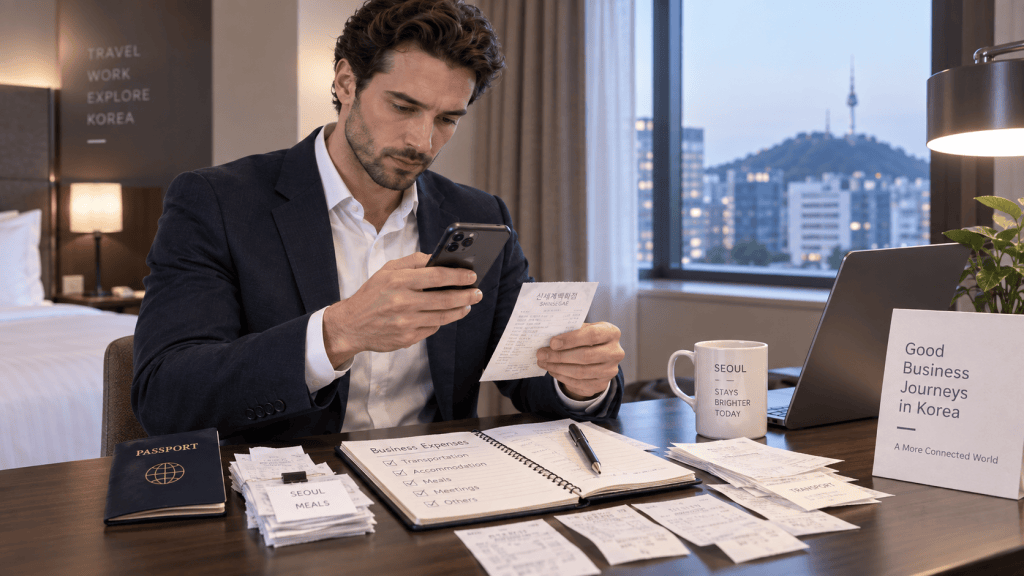
On a vacation, losing a receipt may not matter very much.
On a business trip, it can become a problem.
Receipts may be necessary for:
- Company reimbursement
- Expense reports
- Accounting
- Tax documentation
- Client entertainment records
Recommended Receipt Management
| Situation | Recommended Action |
|---|---|
| Credit card payment | Keep the printed receipt |
| Important expense | Take a photo immediately |
| Hotel stay | Ask for an invoice when checking out |
| Business meal | Record the date, company, and participants |
| Taxi or transportation | Save the digital receipt |
| Expense reporting | Create a dedicated cloud folder |
A Simple but Effective Tip
On the first day of your trip, create a folder on your smartphone called:
KOREA BUSINESS TRIP – RECEIPTS
Then save photos or digital copies of all important receipts there.
This small habit can save a considerable amount of time when preparing your expense report after returning home.
6. Find the Right Place to Work
Coworking Space · Business Lounge · Meeting Room

Sometimes a hotel room is not the best place for an important meeting or video conference.
If you need a professional workspace, Korea — especially Seoul — offers many options.
Major business districts include:
- Gangnam
- Yeouido
- Gwanghwamun
- Seoul Station
- Samseong
- Yeoksam
You can find:
- Coworking spaces
- Private offices
- Meeting rooms
- Business lounges
- Hotel business centers
Example Long-Stay Price Reference
| KRW | USD | JPY | CNY |
|---|---|---|---|
| ₩263,500 | Approx. $190 | Approx. ¥29,751 | Approx. ¥1,273 |
For short business trips, however, a monthly membership may not be necessary.
It is often more practical to compare:
- Day Pass
- Meeting Room Rental
- Hotel Business Center
What to Check Before Booking
Before choosing a workspace, check:
- Wi-Fi speed
- Monitor availability
- HDMI connection
- Video conference equipment
- Printer access
- Soundproofing
- Coffee and refreshments
- Operating hours
- Meeting room availability
For an important video conference, a private meeting room is generally better than a busy cafe.
7. Install Essential Business Apps Before You Arrive
Maps · Translation · Messaging · Scheduling
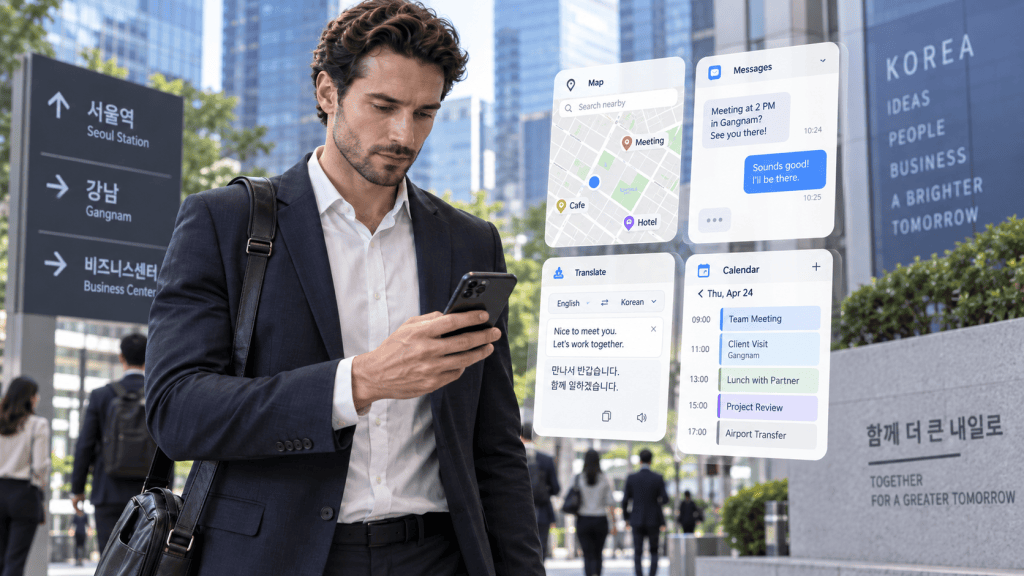
Installing the right apps before coming to Korea can save valuable time once you arrive.
Recommended Apps and Services
| Purpose | Recommended App or Service | Main Use |
|---|---|---|
| Messaging | KakaoTalk | Communication with Korean contacts |
| Maps | Naver Map / KakaoMap | Local navigation and addresses |
| Translation | Papago | Korean translation |
| Gmail / Outlook | Business email | |
| Video Meetings | Zoom / Teams / Google Meet | Online meetings |
| File Sharing | Google Drive / OneDrive | Document access |
| Calendar | Google Calendar / Outlook | Schedule management |
| Networking | Follow-up and professional networking |
Important Tip
Ask your Korean business partner to send the company name and address in both English and Korean.
For example:
ABC Korea
서울특별시 강남구 ○○로 ○○
Having the Korean address can make it much easier to:
- Show it to a taxi driver
- Ask hotel staff for directions
- Search on local map apps
- Ask a Korean colleague for help
8. Back Up Your Meeting Materials
Laptop · Cloud · USB
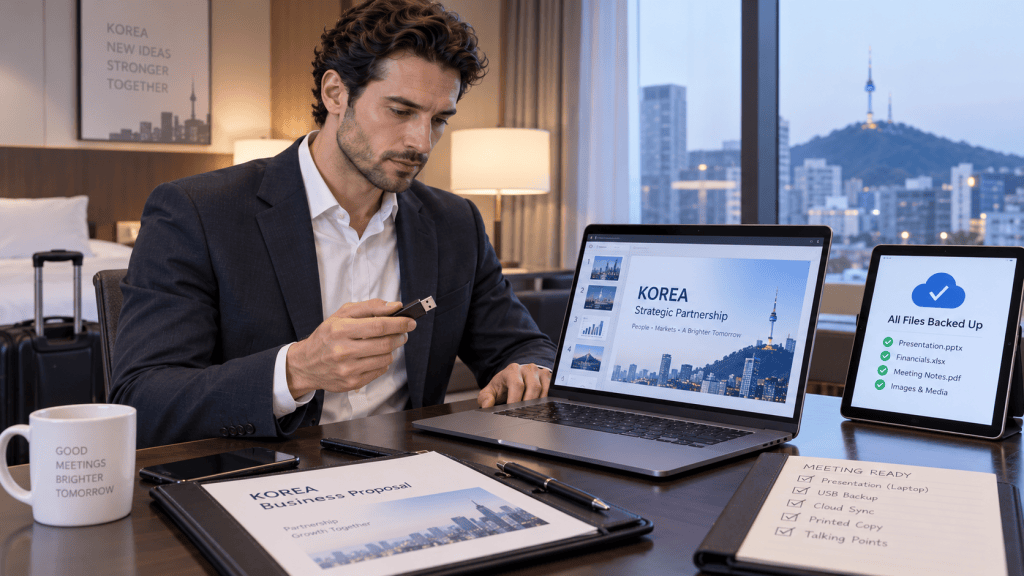
Never depend on only one device or one file.
Internet problems, software compatibility issues, broken fonts, or hardware problems can affect an important presentation.
Prepare at least three copies of your key business materials.
The 3-Way Backup Rule
| Backup Method | Recommended |
|---|---|
| Saved locally on your laptop | ✓ |
| Saved in the cloud | ✓ |
| Saved on a USB drive or another storage device | ✓ |
Prepare These Documents in Advance
- Company Profile
- Presentation
- Product Catalog
- Price List
- Business Proposal
- Executive Bio
- Contact Information
PowerPoint + PDF
If you are giving a presentation, carry:
The original PowerPoint file + a PDF version
Why?
The presentation may look different on another computer because of:
- Missing fonts
- Different software versions
- Compatibility issues
A PDF version can serve as a reliable backup.
9. Protect Your Business Information
Public Wi-Fi · VPN · Data Security
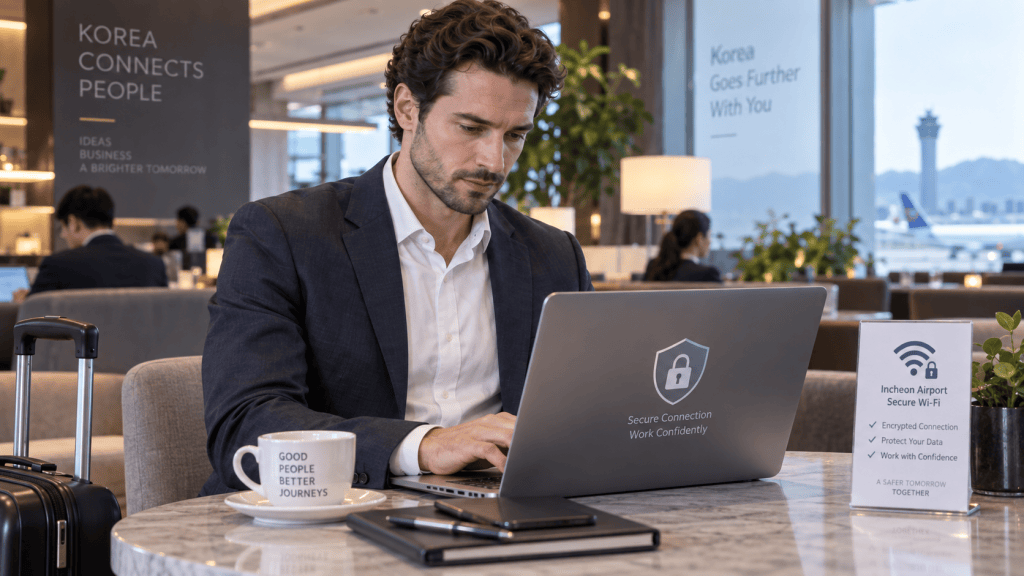
Korea offers convenient internet access in airports, hotels, cafes, and many public spaces.
However, business travelers should still be careful when using public Wi-Fi.
Avoid accessing highly sensitive company information on unknown or unsecured networks.
Be Especially Careful With
- Company ERP systems
- Online banking
- Contracts
- Customer personal information
- Internal corporate data
- Confidential financial information
- Human resources documents
Recommended Connection Priority
When possible, use:
1. Company VPN
2. Personal eSIM or mobile data
3. Trusted hotel or office Wi-Fi
Estimated Security Costs
| Item | Estimated Cost |
|---|---|
| Company VPN | Often provided by employer |
| Personal VPN | Approx. ₩5,000–₩15,000 per month |
| Mobile data | Approx. ₩12,100–₩71,500 |
| Two-factor authentication | Usually free |
Security Checklist
Before your trip:
- Enable screen lock
- Use strong passwords
- Activate two-factor authentication
- Back up important files
- Avoid unknown Wi-Fi networks
- Keep sensitive files encrypted where appropriate
Good cybersecurity habits are particularly important when traveling with confidential company information.
10. Prepare an Emergency Contact List
Your Korea Emergency Business Card
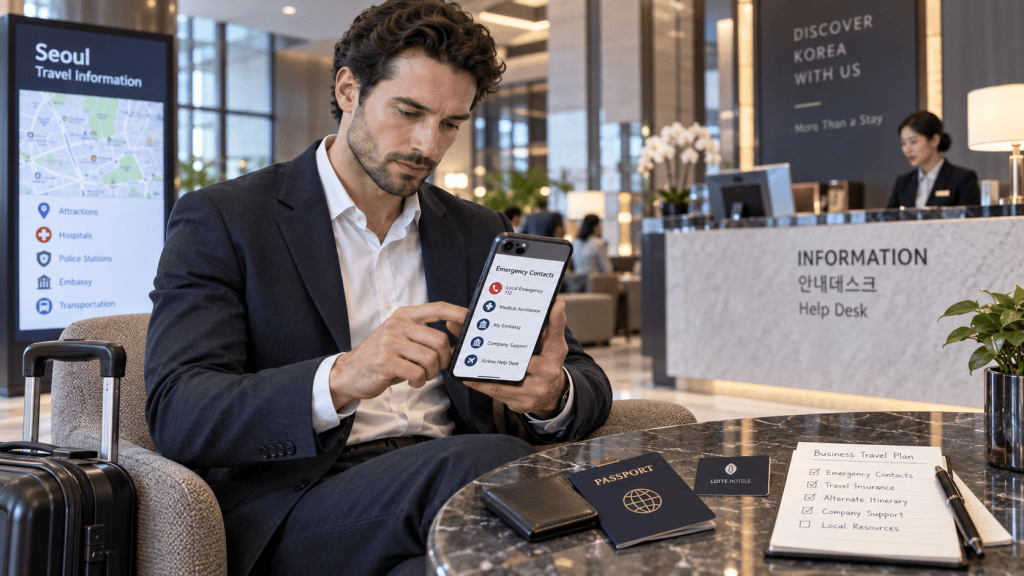
When something unexpected happens in another country, one of the biggest challenges is simply knowing who to contact.
Before your business trip, create an emergency contact list and save it on your smartphone.
Korea Emergency Contact List
| Situation | Contact |
|---|---|
| Police | 112 |
| Fire / Ambulance | 119 |
| Travel / Interpretation Assistance | 1330 |
| Hotel | Save your hotel phone number |
| Korean business partner | Save your local contact |
| Home office | Save your company contact |
| Insurance company | Save the international emergency number |
| Lost credit card | Save your card issuer’s emergency hotline |
| Embassy | Save your embassy’s address and telephone number |
Create a Note Called:
KOREA EMERGENCY CONTACTS
Include:
- Hotel
- Embassy
- Korean client or partner
- Company headquarters
- Travel insurance
- Airline
- Credit card company
- Emergency medical support
If your phone is lost, it can also be useful to keep a printed copy in your luggage or wallet.
Final 24-Hour Checklist Before Departure
Before boarding your flight to Korea, review these 15 essential items.
| Final Check | Status |
|---|---|
| Passport | □ |
| Visa / K-ETA requirement | □ |
| e-Arrival Card | □ |
| Hotel confirmation | □ |
| Korean company address | □ |
| Korean contact person | □ |
| eSIM / roaming plan | □ |
| International credit card | □ |
| KRW emergency cash | □ |
| Laptop charger | □ |
| Korea-compatible adapter | □ |
| Presentation: PPT + PDF | □ |
| Cloud backup | □ |
| Meeting schedule | □ |
| Emergency contacts | □ |
One Final Piece of Advice
Do not wait until you arrive in Korea to get ready.
Prepare everything so that you can begin working from the moment you land.
A successful business trip does not begin with your first meeting.
It begins before you board the plane.


Leave a Reply